
Have you ever watched a normal sales day turn messy by noon? Orders arrive from three channels. One employee checks stock in a spreadsheet. Another waits for shipping details. Someone notices that two people picked the same item. Then the rush begins.
This slowdown rarely comes from one big failure. It starts with small manual steps that keep repeating. A delayed stock update here. A copied address there. A warehouse note that customer service never sees. E-commerce operations management software removes many of those weak handoffs by placing orders, inventory, shipping, warehouse activity, and team actions inside one working system.
Where Manual Fulfillment Starts Slowing Down E-commerce Growth
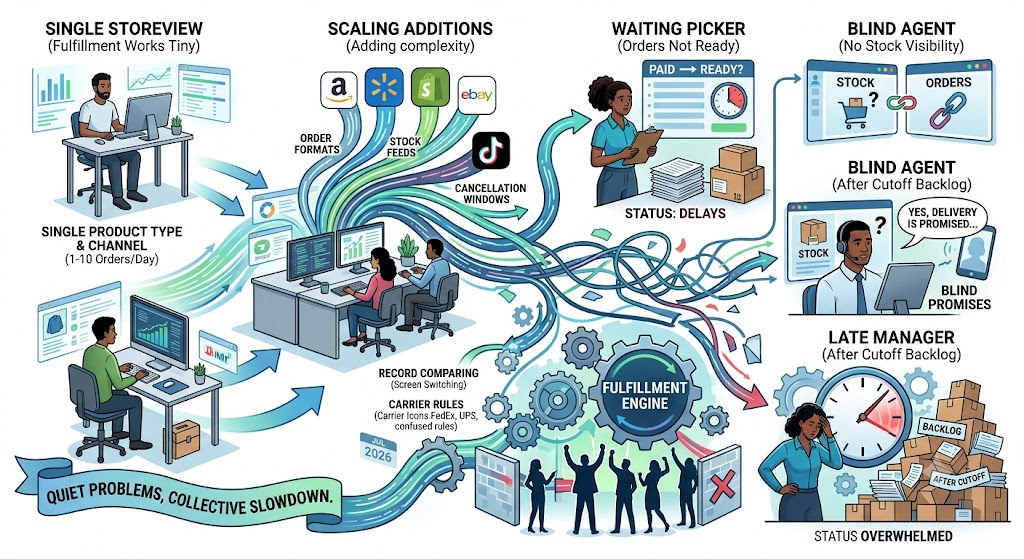
Manual fulfillment can work when one person knows every product, shelf, and order. Growth changes that set up fast. Each new marketplace brings another order format, stock feed, cancellation window, carrier rule, and customer service queue.
Employees start switching between screens and comparing records. A picker waits for an order to move from paid to ready. A service agent promises delivery without seeing a stock hold. A manager notices the backlog after the shipping cutoff. None of these problems looks serious alone. Together, they slow the whole operation.
One survey found that 60% of supply-chain organizations saw e-commerce significantly affect inventory management. The same 60% reported an effect on order fulfillment and distribution logistics. E-commerce growth, then, does more than increase sales. It changes how stock and fulfillment must work every day.
How E-commerce Operations Management Software Creates a Faster Fulfillment Process
A faster process does not begin with employees working harder. It begins with fewer handoffs, cleaner data, and rules that move normal orders forward without waiting for another check.
Bring Orders From Every Sales Channel Into One Dashboard
When teams open Amazon, Walmart, Shopify, eBay, and other channels separately, they lose time before fulfillment even starts. They search, compare, and confirm.
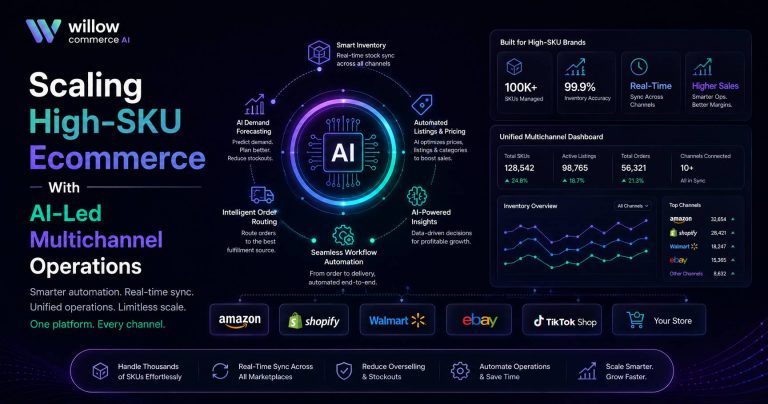
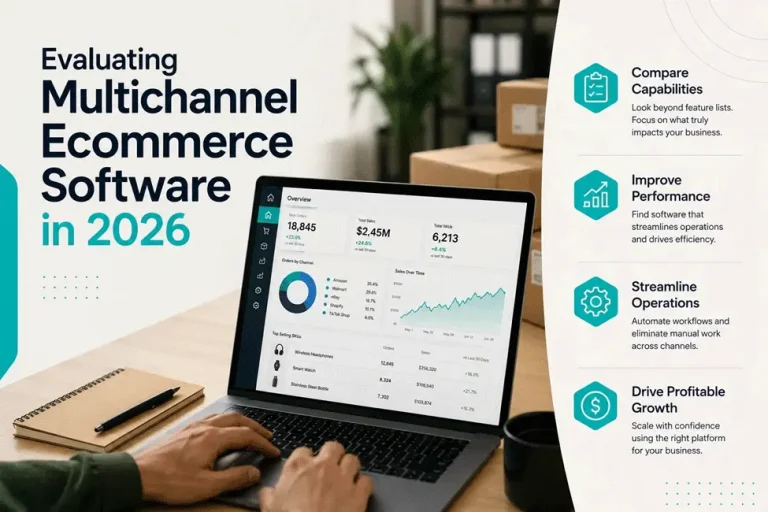
Single dashboard ecommerce management brings those orders into one queue. Teams can sort by channel, payment status, warehouse, service level, or order age. Same-day orders move first, risky transactions stay on hold, and backorders enter a separate queue.
Keep Inventory Levels Updated Before Orders Reach the Warehouse
Inventory trouble often begins before a picker reaches the shelf. A channel accepts an order for an old quantity while another reserves the final unit. The warehouse then receives work it cannot complete.
Real-time synchronization reduces that gap. Sales, returns, transfers, damaged units, and reservations all change available stock. The system should update those changes before more orders enter the queue.
A joint product-selection and inventory optimization method improved the full-order fulfillment rate by 4.34 percentage points, equal to a 7.05% relative increase. Better inventory logic can improve completed orders, not only stock accuracy.
Route Orders to the Right Warehouse or Fulfillment Location
Routing gets harder when a seller uses several warehouses, stores, or third-party partners. The nearest site may lack the full basket, while another has stock but no processing capacity.
Routing rules compare stock, delivery zone, carrier cost, service level, and workload before assigning the order. They can also reduce split shipments by choosing a location that can complete the basket.
We connect order data with warehouse availability so teams can assign work from one operating record instead of calling locations or comparing files.
Replace Repetitive Order Tasks With Automated Workflows
Status changes, approvals, label printing, and notifications look small, yet they appear on nearly every order.
Fulfillment workflow automation moves those tasks when a defined condition appears. A paid order can enter picking. A high-value order can wait for review. An oversized item can go to a specialist station. A late order can trigger an alert before the customer contacts support.
This lets teams manage an e-commerce business on one platform without handing every decision to software. People handle exceptions. The system moves the routine work.
Give Team Members Role-Based Access to Fulfillment Tasks
Too much access creates risk. Too little access creates waiting.
Pickers need assigned orders. Shipping staff need carrier tools. Customer service should view status without changing stock, while managers need approval access.
Role-based permissions keep those boundaries in place. Audit logs can show who changed a status, edited a rule, or overrode stock. The software keeps that history attached to the same operating record.
Track Delays, Exceptions, and Order Status Changes From One Place
Managers cannot fix delays hidden inside separate tools. They need to see where an order stopped, how long it waited, and who owns the next action.
| Fulfillment Signal | What It Usually Means | Best Next Action |
| Aging orders | Work passed the normal processing window | Reassign labor or inspect holds |
| Stock exception | System quantity and shelf count differ | Check reservations and recent picks |
| Label failure | Address, carrier, or service data has an issue | Correct it before the cutoff |
| Repeated override | Current rules no longer fit operations | Review routing or permissions |
That view changes the manager’s job. Instead of checking orders one by one, the manager works from exceptions.
How Single Dashboard Ecommerce Management Supports Daily Decisions
A unified screen does more than collect information. It helps teams act before a small problem reaches the customer.
A manager may spot twenty aging orders in one warehouse while another has available labor. Work can move before the cutoff. Service and finance teams can also check stock, payment, and order status without chasing warehouse updates.
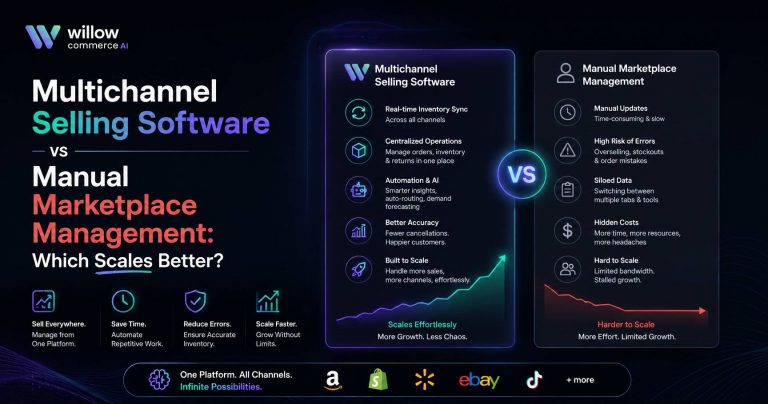
This is where multichannel order management becomes useful in daily work. It connects selling with fulfillment, so every channel does not become its own operating world.
How Willow Commerce Brings Orders, Inventory, Shipping, and Teams Together
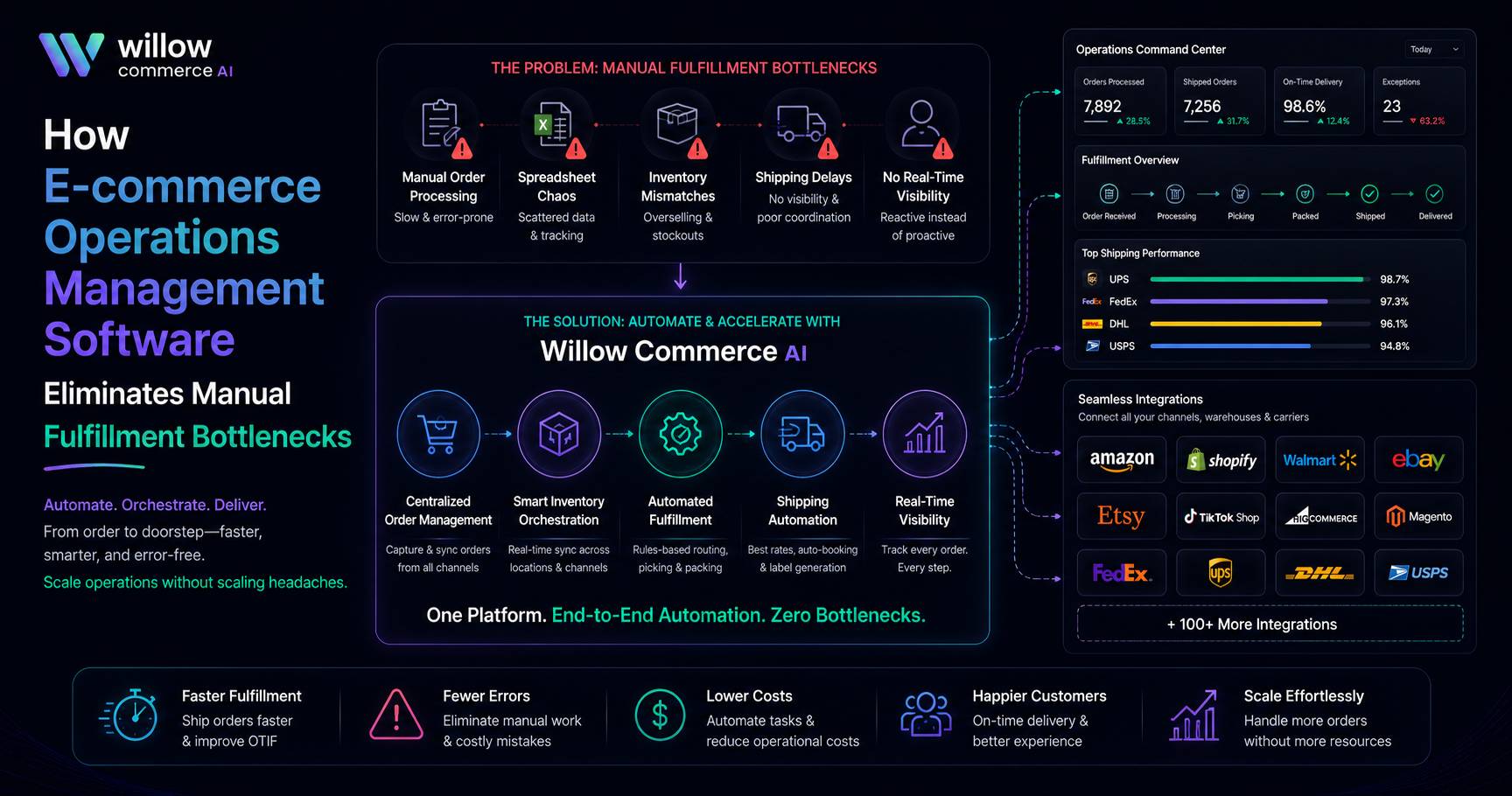
Willow Commerce connects marketplace activity with the controls teams need for fulfillment. Its Manage layer covers permissions, workflow rules, integrations, security settings, and activity records. The wider platform links orders, stock, warehouses, shipping, listings, and analytics.
At Willow Commerce, we build these functions around one operating flow rather than treating each feature as a separate utility.
Key strengths include:
- Connections with more than 80 marketplaces and sales channels
- Real-time stock updates, automated order actions, batch fulfillment, and shipping controls
- Role-based access, audit logs, two-factor authentication, accounting links, CRM connections, Slack alerts, and API access
Willow Commerce states that the platform can process more than 50,000 orders per day and manage catalogs with over 10,000 SKUs. Those numbers describe capacity, not a promised result. The stronger point is how the tasks connect.
Business Benefits of Removing Manual Fulfillment Bottlenecks
Fewer manual checks mean fewer hours spent copying data. Better stock visibility can reduce cancellations, while smarter routing can limit split shipments and costly carrier choices.
Managers can compare processing time by channel, warehouse, carrier, SKU, or shift, then fix delays before the next peak period.
Fulfillment workflow automation also makes volume easier to absorb. A business may still need more warehouse labor during busy seasons, but it does not need the same rise in administrative work around every order.
Conclusion
Fix one handoff first. Connect the data. Set the rule. Assign ownership. Track the result. Then move to the next delay.
With e-commerce operations management software, teams can manage e-commerce business on one platform and keep fulfillment tied to the same order record. At Willow Commerce, we bring orders, inventory, shipping, warehouses, and team controls into one operating environment. Start your free trial and let us help you move every order with less friction.
Frequently Asked Questions
What Should a Company Automate First in Fulfillment?
Start with the repeated task causing the largest delay, often order release, stock checks, or shipping alerts.
Can Fulfillment Software Work With an Existing ERP?
Yes. Many companies keep the ERP for finance while using an operations platform for fulfillment and shipping.
How Can a Seller Calculate Fulfillment Software ROI?
Track labor per order, cancellations, split shipments, stock corrections, carrier cost, errors, and on-time dispatch.
Does a Small E-commerce Store Need Automation?
A small store may not need automation on day one. That changes when orders start coming in from different channels, stock counts keep going wrong, or too much time disappears into updates and order checks.
What Data Should Be Cleaned Before Implementation?
Begin with the records your team uses every day. Check SKU codes, product details, stock numbers, shipping settings, staff access, customer addresses, and any orders still being processed.